
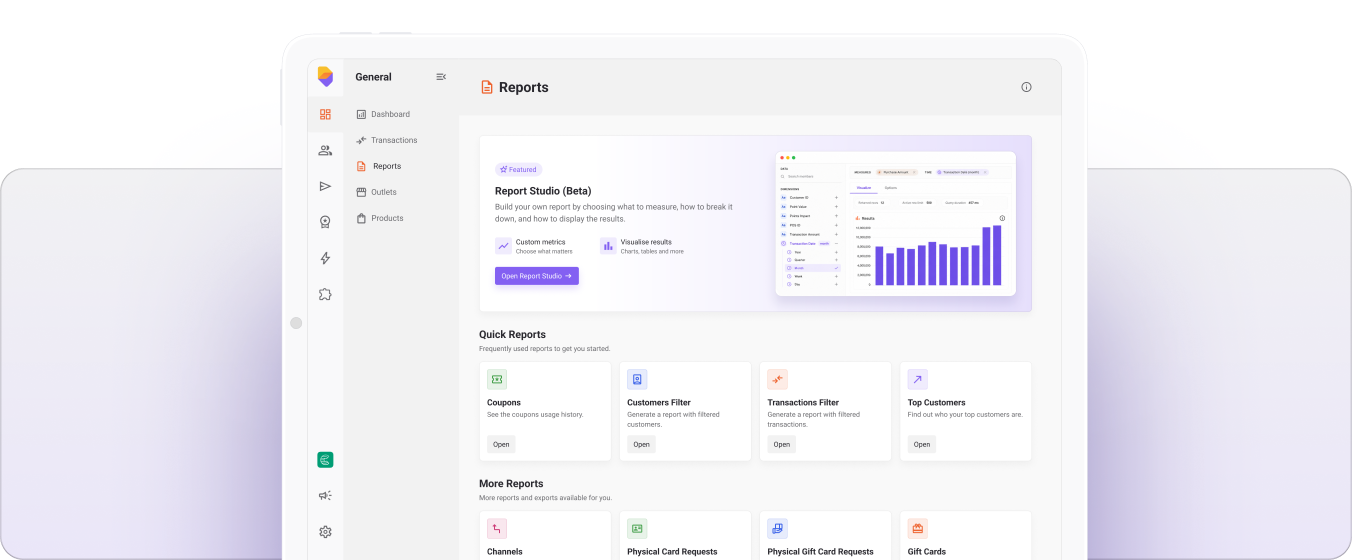
We're excited to introduce Report Studio, a new reporting experience inside Loyale Backoffice that gives your team complete control over reporting and data exploration.
✅ What's New
Build Custom Reports Directly in Backoffice
Create reports tailored to your business without relying on predefined dashboards or manual exports.
Choose the metrics you want to analyse, apply filters, select date ranges, and break results down by categories such as location, customer segment, campaign, or transaction type.
Multiple Visualisation Options
Switch between tables, line charts, bar charts, pie charts, and KPI views to present data in the format that makes the most sense for your team.
Save & Reuse Reports
Once you've built a report, save it for future use and access it whenever you need updated results. Reports can also be shared across your scheme to keep teams aligned.
Advanced Filtering & Date Controls
Use relative date ranges and filters to quickly answer questions such as:
How did sales perform last week?
Which locations generated the most revenue this month?
Which customer segments are most engaged?
Export to CSV
Export detailed report data for further analysis or sharing outside the platform.
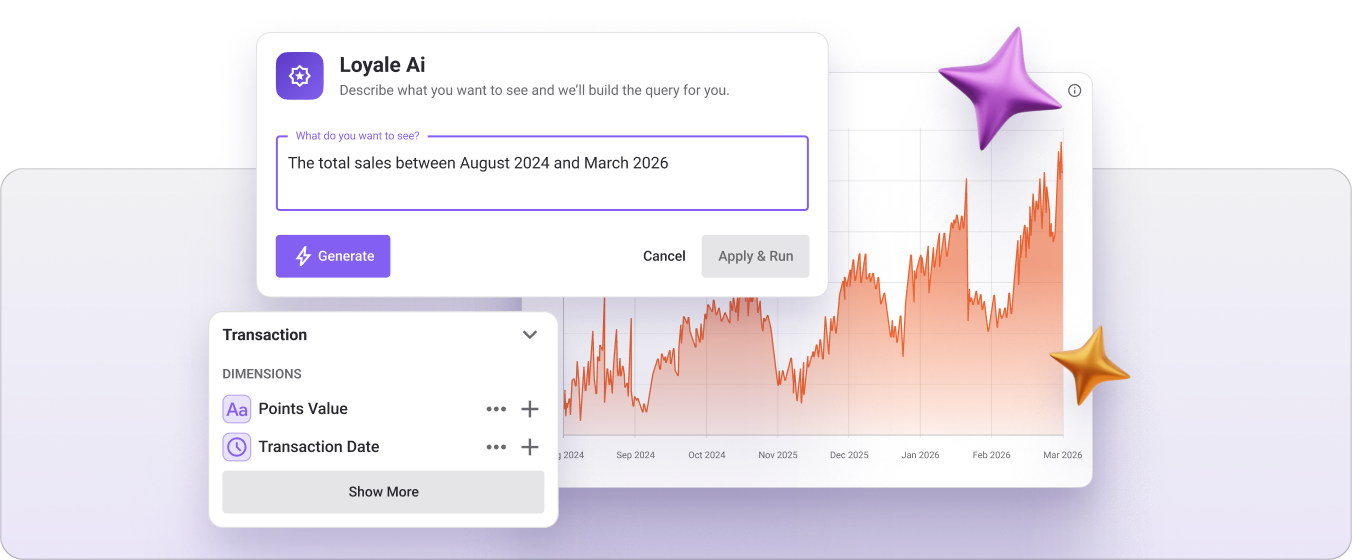
Loyale AI Report Builder
Create reports using simple natural language prompts.
Just describe what you'd like to see and Loyale AI will automatically build the report for you.
Examples:
Show me total sales by location for the last 30 days
Top customers by revenue this quarter
Daily transactions split by payment method
⭐ Why This Matters
Report Studio reduces the time between a question and an answer.
Instead of requesting reports, waiting for exports, or relying on technical teams, users can now explore data independently and create the exact reports they need in minutes.
This means:
Faster decision-making
Greater visibility across your loyalty programme
Less reliance on manual reporting
More flexibility to explore and analyse performance
Report Studio is now available within Loyale Backoffice. Start building custom reports and uncover deeper insights from your scheme data.
Was this article helpful?
That’s Great!
Thank you for your feedback
Sorry! We couldn't be helpful
Thank you for your feedback
Feedback sent
We appreciate your effort and will try to fix the article